


Plan Furniture Layouts for Free with Sweet Home 3D
What is the best free program for planning furniture layout?
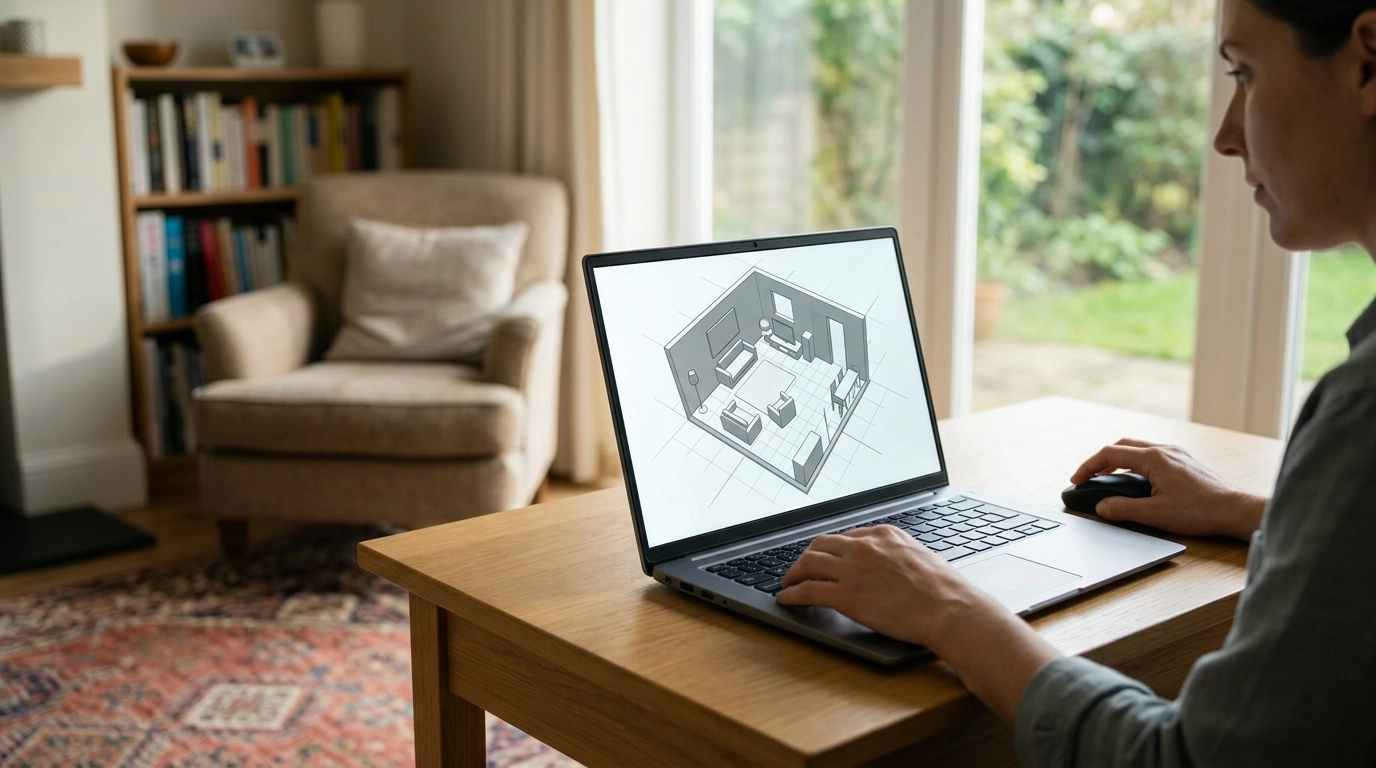
For a free program that lets you draw a room and test furniture arrangements, Sweet Home 3D is a strong place to start. Its desktop version lets you create a floor plan, add furniture, and view the arrangement in 3D. That combination makes it easier to spot crowded paths or awkward placements before you move anything at home.
Why choose Sweet Home 3D?
You can enter room measurements, place doors and windows, and arrange furniture from a catalog. The 2D plan helps you work with clear measurements, while the 3D view gives you a quick sense of how the room may feel. It’s especially useful when you want to compare a few layouts without relying on sketches alone.
For the smoothest planning, measure the room first and note fixed features such as door swings, windows, radiators, and outlets. Then add your larger pieces—like a sofa, bed, or dining table—before filling in smaller items. Use each layout to check whether you can walk comfortably between furniture and reach the areas you use every day.
When might another free tool work better?
If you prefer to plan in a browser, try a free version of a web-based room planner such as Floorplanner or Planner 5D. These tools can be convenient for quick visual experiments, though free plans may limit features, projects, or exports. Compare the available tools before spending time on a detailed design.
For a straightforward, no-cost starting point, choose Sweet Home 3D if you want a measurable floor plan and a 3D preview. Choose a browser-based planner if easy access across devices matters more than having every feature available for free.
How can you turn a digital plan into a practical room layout?
Treat the program as a way to test options, not as a substitute for real measurements. Confirm furniture dimensions, leave usable routes through the room, and make sure drawers and doors can open. Our small-room layout guide can help you think through furniture placement and make better use of limited space.
FAQ
How do you measure a room before planning furniture?
Measure each wall from corner to corner, then record the locations and widths of doors, windows, and other fixed features. Measure the furniture you plan to use as well, so the digital layout reflects the pieces you actually have.














Leave a comment